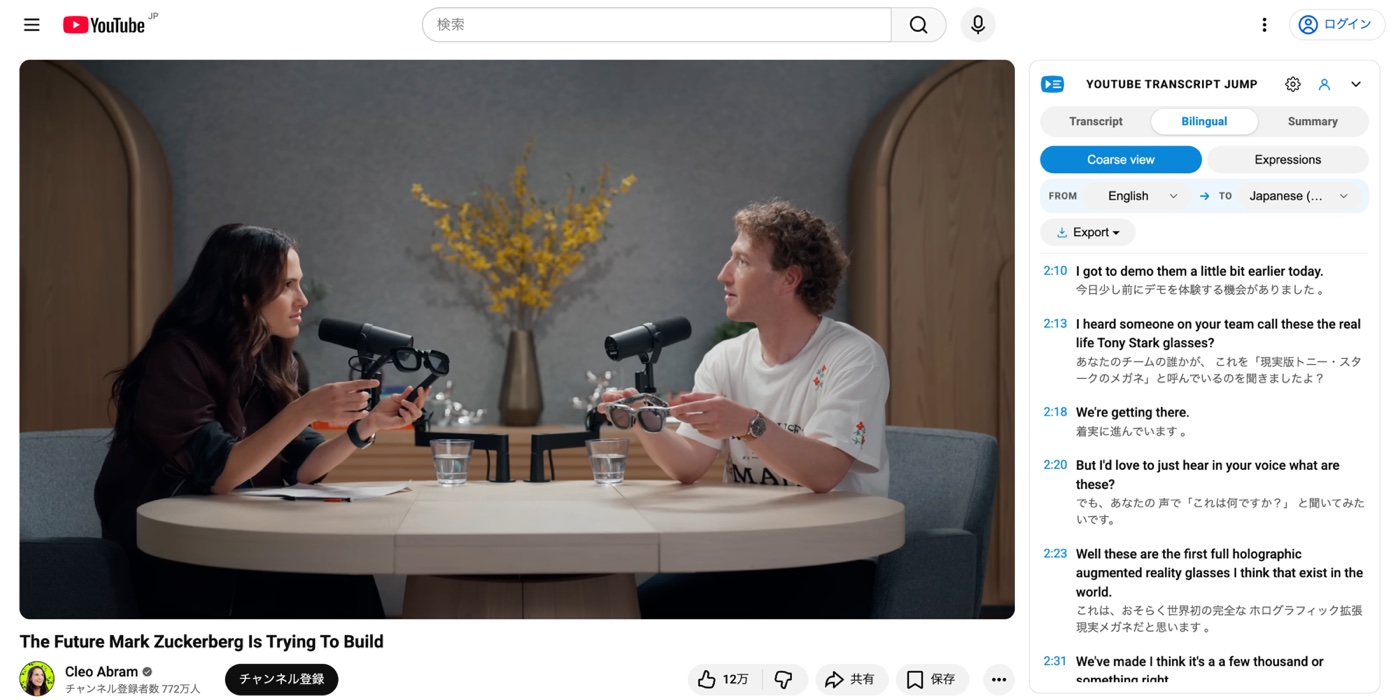
Free
Per-sentence jumping
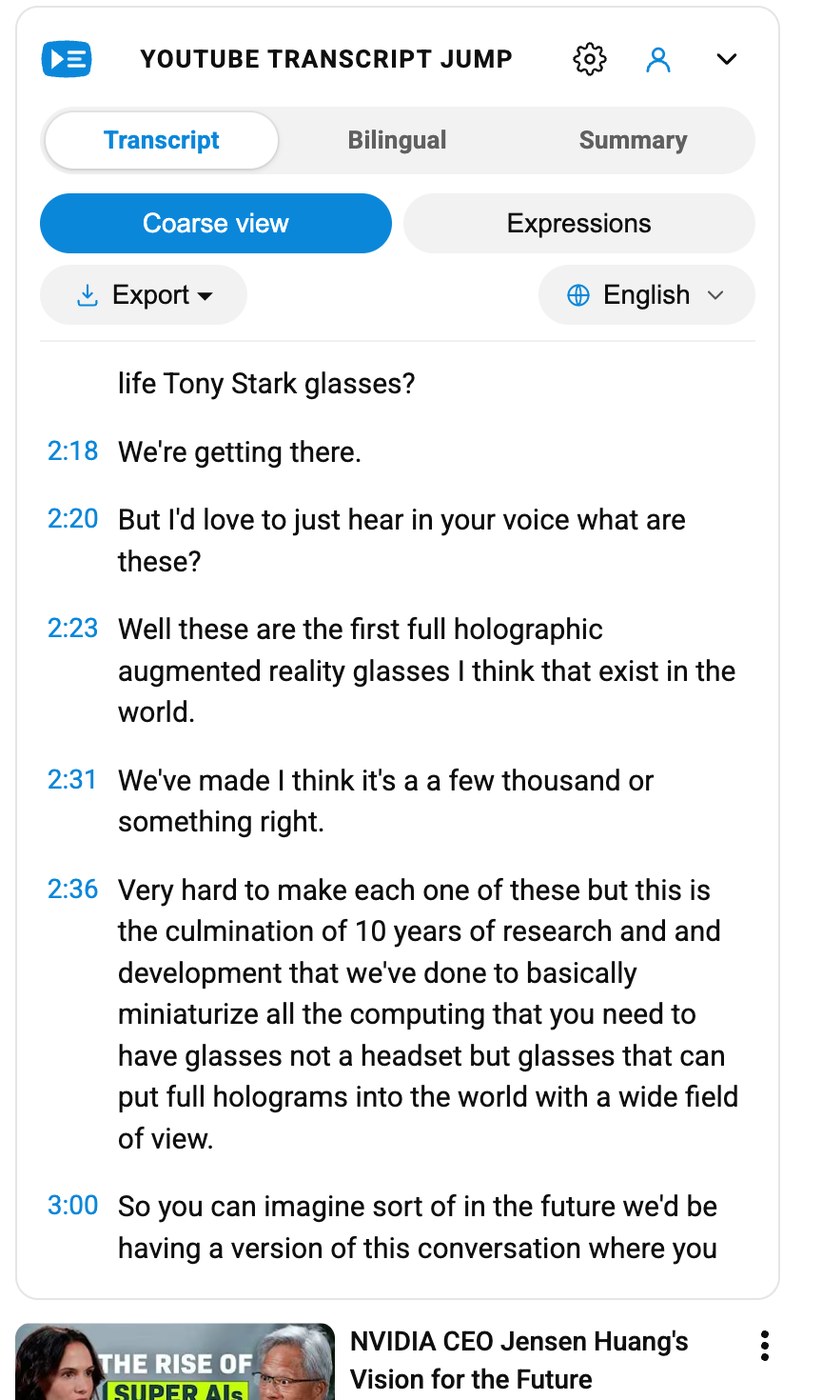
Finer than YouTube's default transcript. Every sentence is its own clickable anchor. Click 2:23 and you're at the start of the thought, not four seconds before it. Free, no sign-in.
A sentence-level transcript lives next to the player — free, no account needed. Click any line to jump there. Sign in only when you want an AI summary or the idioms and rare expressions natives glide past.
YouTube's built-in transcript lumps lines together by caption cue, not by meaning. Transcript Jump splits the same caption stream on real sentence boundaries, so the next click always lands on a whole thought — not mid-phrase. It's the difference between skimming a textbook and skimming a table of contents.
A thin panel that respects the video. Five tools stacked behind a single toggle, each one built for the way you actually watch.
Finer than YouTube's default transcript. Every sentence is its own clickable anchor. Click 2:23 and you're at the start of the thought, not four seconds before it. Free, no sign-in.
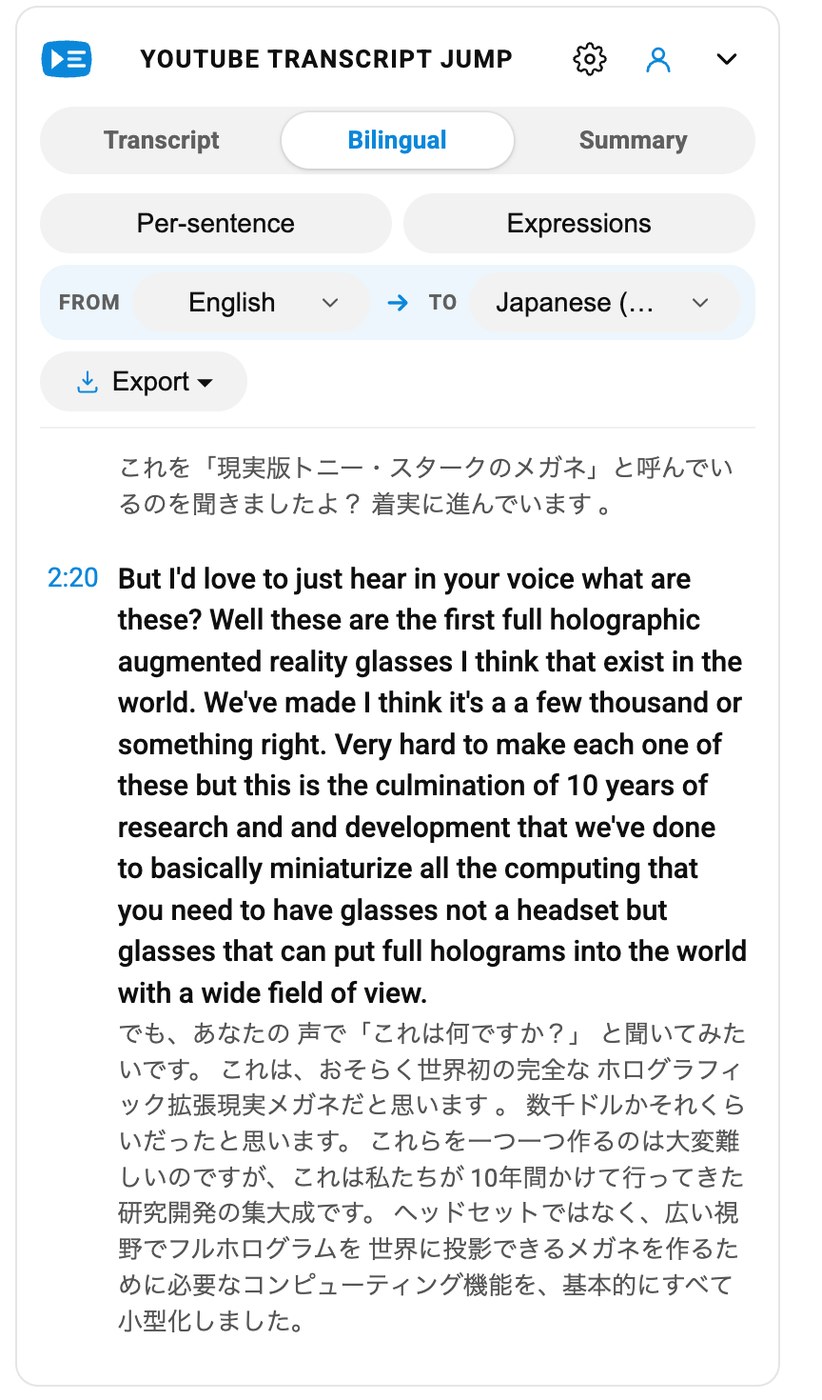
Pick any two languages from the 99 YouTube supports. Both streams scroll in lockstep with the video, so you can read and listen without swapping tabs. *Free when YouTube already has captions for both languages. When it doesn't, we translate it for you with AI — those translations count toward your plan.
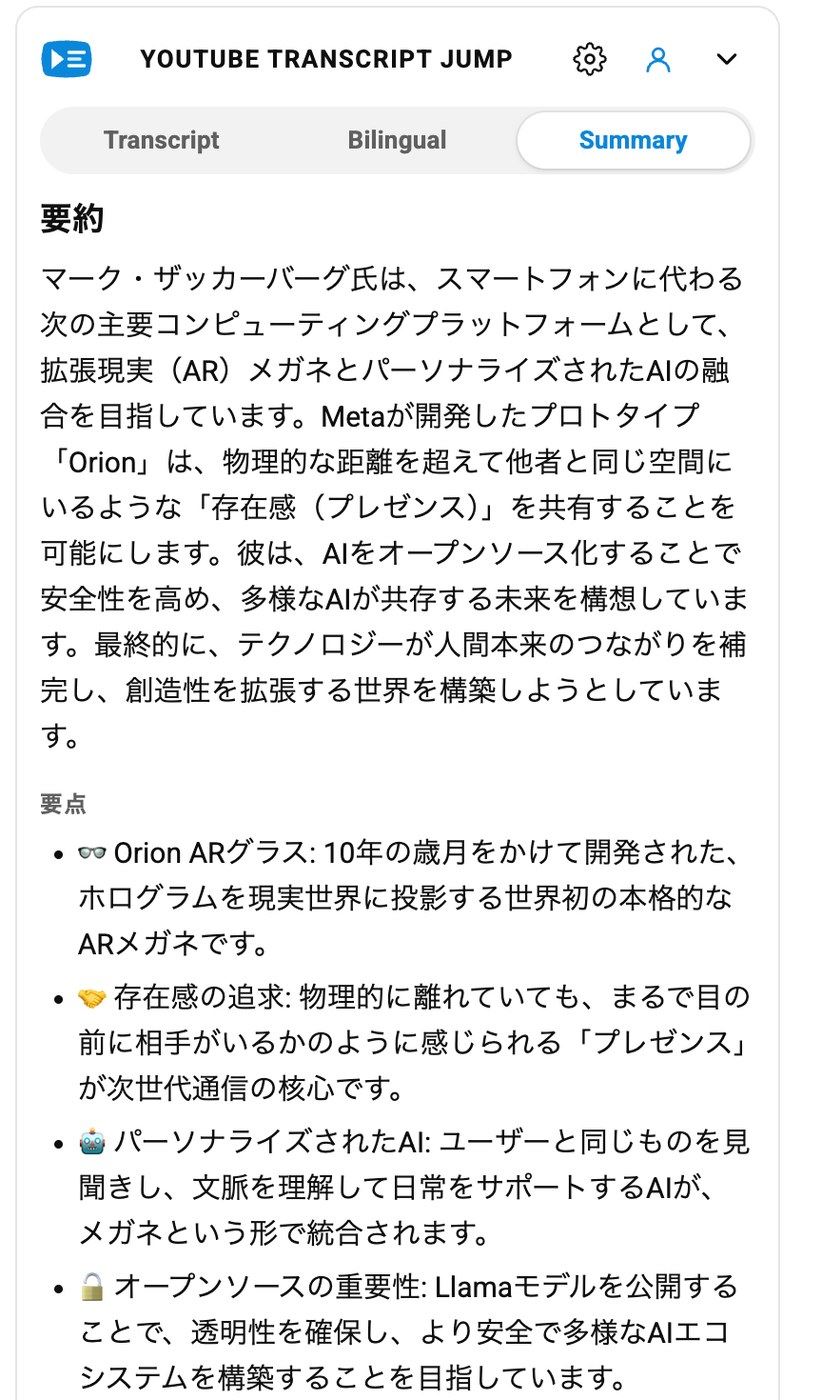
A single paragraph, a handful of key points, and a plain-English analogy — written in the transcript's own language. No more 40-minute intros to scrub past.
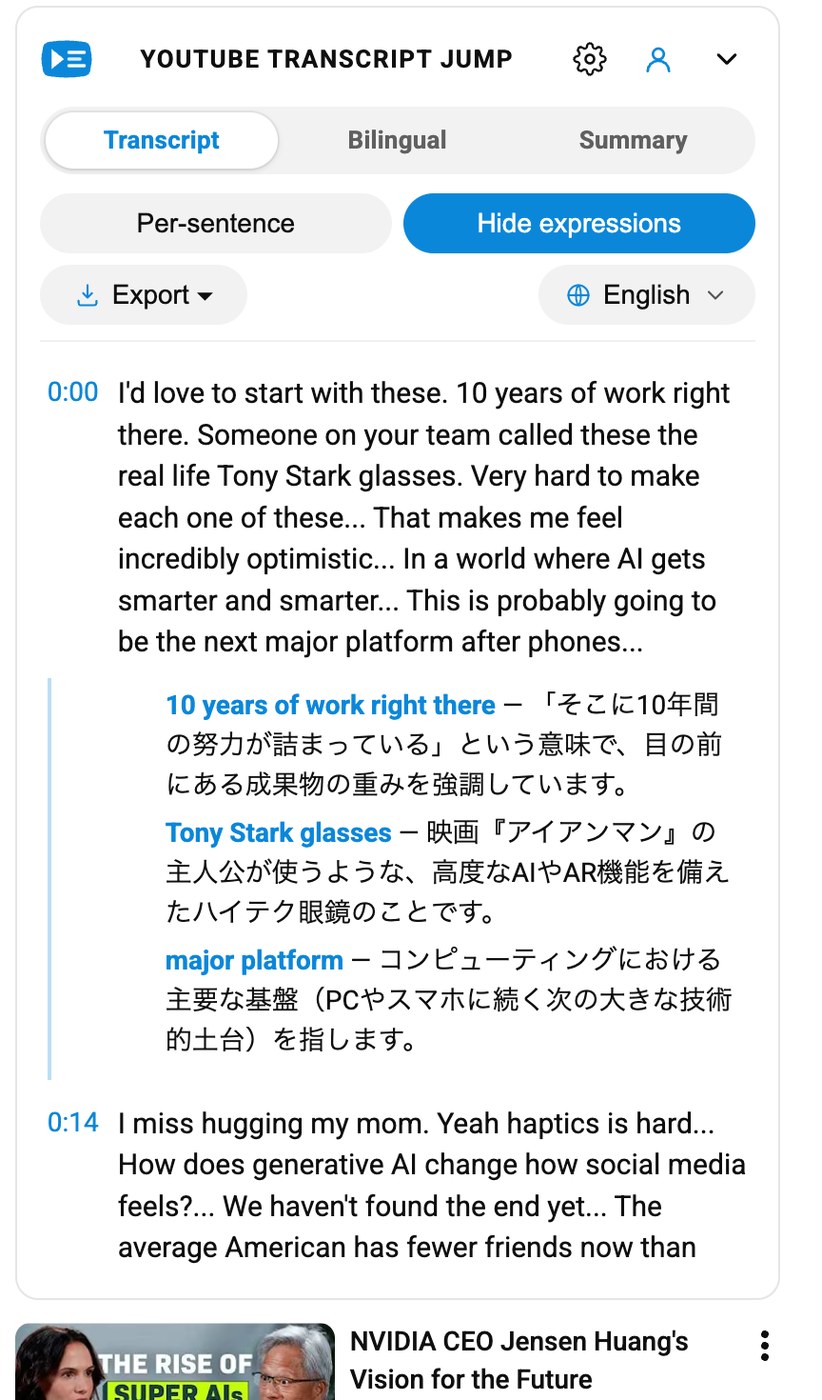
Idioms, slang and rare vocabulary — underlined under each sentence with a one-line gloss. Built for learners who are past the phrasebook stage.
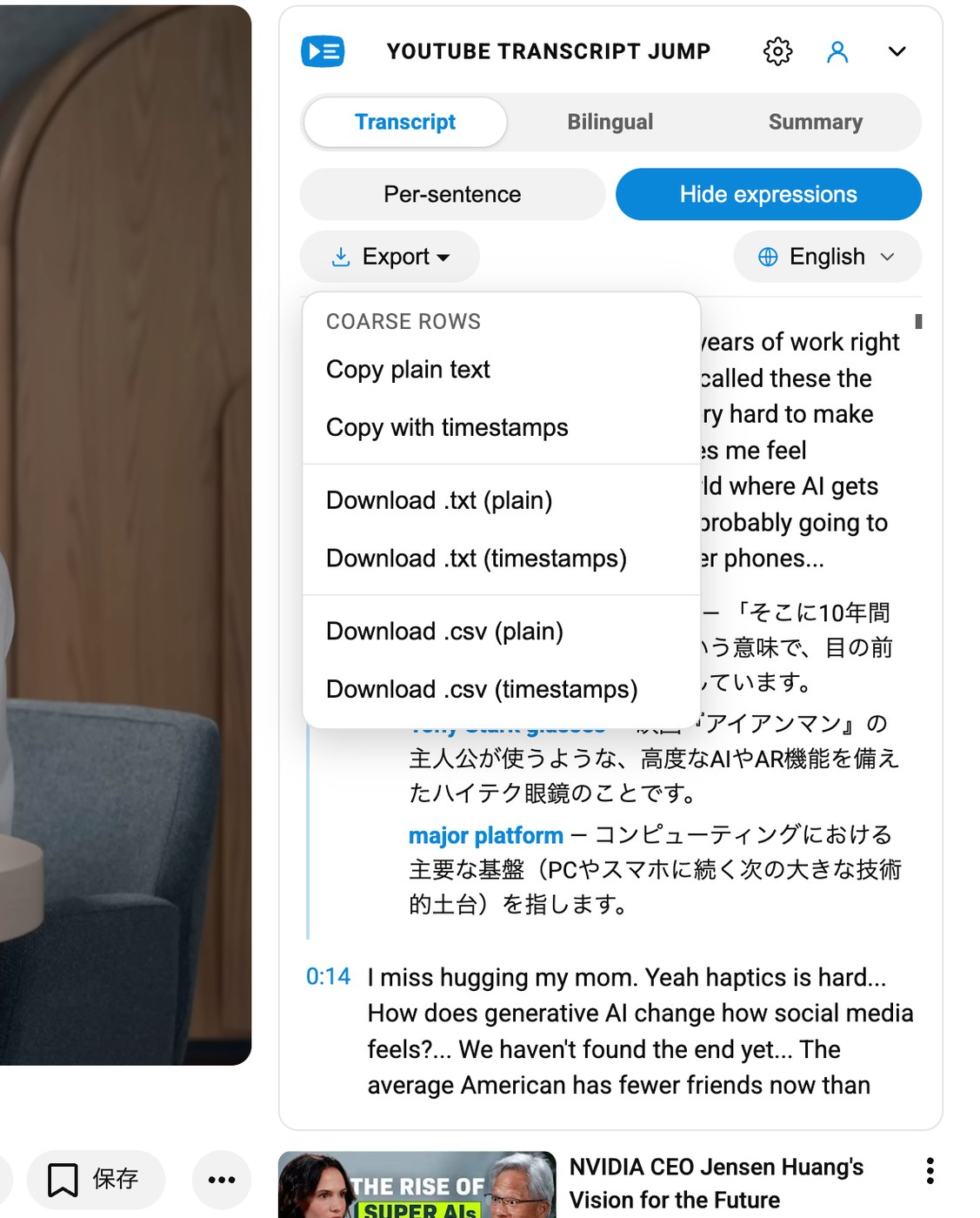
Copy plain text, or download .txt /
.csv — with or without timestamps. Your
notes, your notebook, your flashcard app.
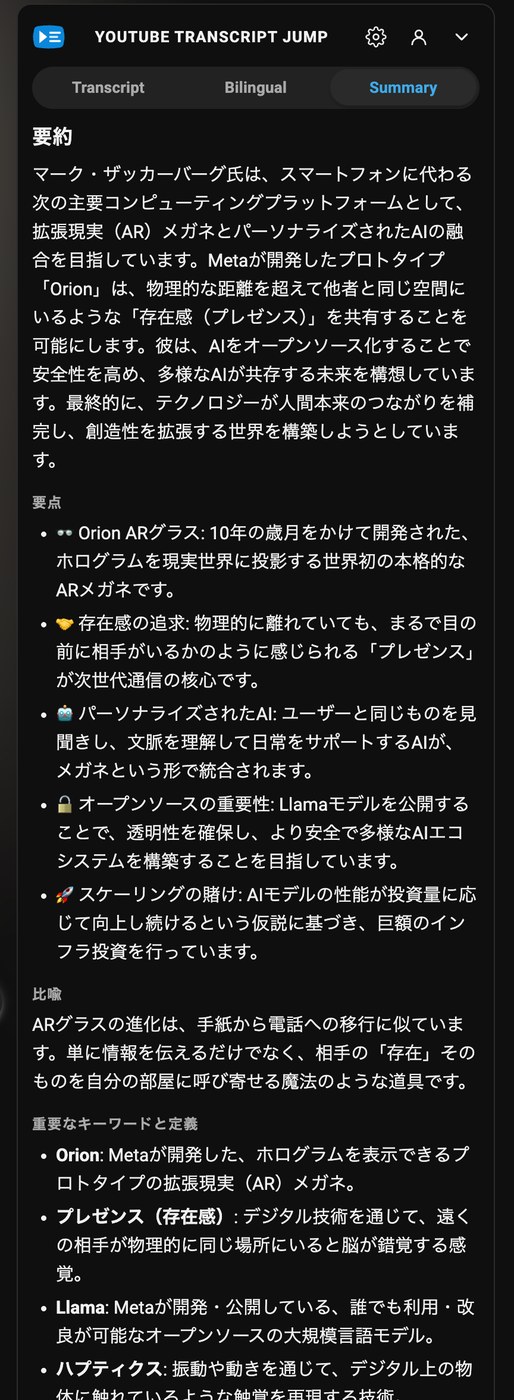
Matches YouTube's own theme automatically. Nothing glows, nothing blinds. Two a.m. study sessions approve.
One-click install from the Chrome Web Store. It takes about the length of a YouTube pre-roll ad.
The sidebar appears on the right. If the video has captions — auto-generated count — you're set.
The player jumps — no account, no setup. Toggle Bilingual, Summary or Expressions whenever you need more; AI features are free for your first three videos once you sign in.
Per-sentence jumping, coarse view, and export are free forever — no account, no trial. The AI features (Summary, Expressions, translation) give you three full videos to try before anything is billed. Payments are handled securely by an external provider — your card details never touch our servers.
Any YouTube video that has captions — both creator-uploaded and auto-generated count. If YouTube can show a transcript for it, Transcript Jump can split that transcript sentence by sentence.
No — not for the transcript itself. Per-sentence jumping, coarse view, and export work without signing in. You only sign in with Google when you want an AI feature (Summary, Expressions, or translation) so we can track your trial credits and plan.
When you click Summarize, we send the transcript to a large language model on your behalf and return a short paragraph, a few emoji-led key points, a plain-language analogy, and a keyword glossary — in the transcript's own language. We don't retain the transcript text.
Coarse view groups lines in ~25-second / ~320-character chunks — roughly what YouTube's own transcript gives you. Per-sentence view splits the same audio into real sentences using language-aware parsing. Same video, one click of a toggle.
Yes. Both Monthly and Yearly cancel from your subscription management screen with one click — no email, no retention call. You keep access until the period you've already paid for ends.
Transcripts are passed to our AI provider only to generate Summary / Expressions output, and are not retained on our servers. We store your account email and user ID for billing, trial usage (feature × video ID × timestamp), and the subscription reference our payment provider gives us. That's it. See our privacy policy.
Install free, open any video — per-sentence jumping works right away, no sign-in. AI features get three free videos on us.